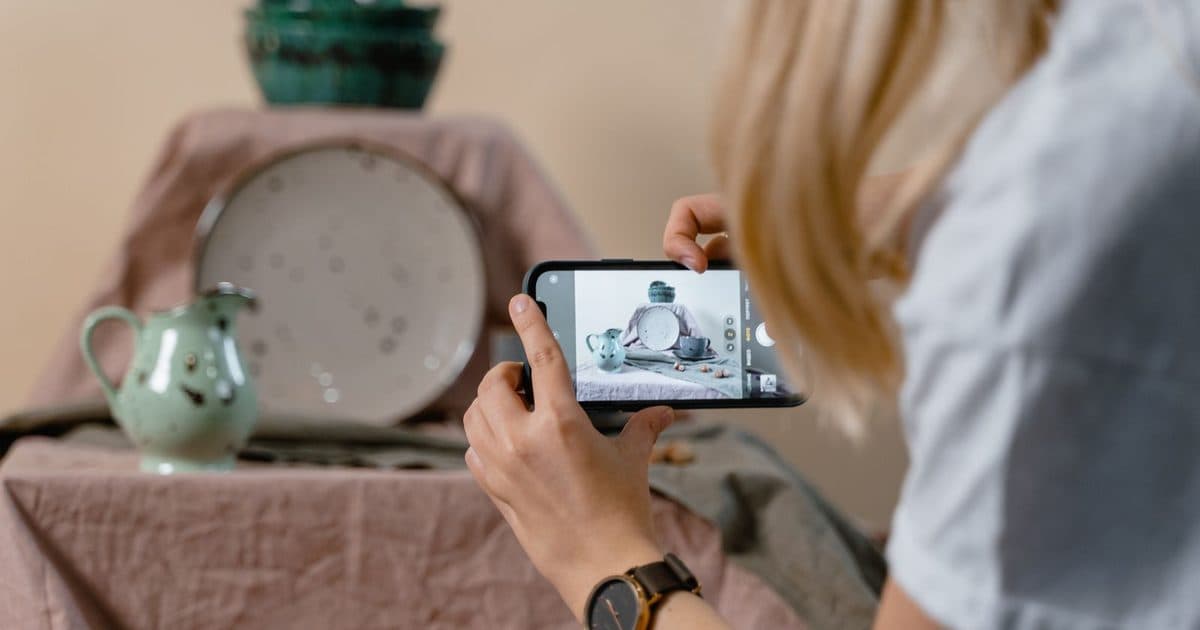
Learning how to photograph handmade products with your phone comes down to three rules: side light from a window, a plain background that doesn't steal the scene, and six different shots of the same piece. You don't need a DSLR or studio lights: a table by a window, a sheet of light card, the phone in your pocket and half an hour are enough.
Online, nobody can pick the piece up: photos do that job instead of hands. This guide, updated in September 2026, is about the pieces you sell; to show the space you work in, see how to photograph your studio.
The right light: a window at the side, never direct sun
The best light for photos of handmade products comes from a window lighting the piece from the side, when the sun isn't shining straight in. It's free, soft and shows colours as they really are.
Place the table half a metre to a metre from the glass, with light reaching the piece from the side. Side light draws the small shadows that reveal the material, from throwing rings to wood grain; front light flattens everything.
- Switch off the lamps. Yellow bulb light mixed with daylight gives muddy colours that no app fully fixes.
- If the sun comes in, soften it with a thin white curtain or a sheet of baking paper on the glass.
- Fill the shadows with white card standing on the side opposite the window, just out of frame.
- Pick your time. Mid-morning and mid-afternoon are usually easiest; towards evening the light drops and photos get grainy.
- No flash: it flattens volumes and creates harsh glare.
The background: plain, clean and always the same
The right background is the one nobody notices: light, even, with no creases and no objects around. The piece should be the only thing to look at.
A large sheet of white or light grey card, curving from the wall down onto the table, is enough: with no line where wall meets table, the eye sees only the piece. Raw wood, linen or slate work too, as long as they stay the same across the shop. Avoid coloured backgrounds: they cast their colour onto the piece, and a white vase on yellow card turns cream.
Google's guidance on product images points the same way: a plain white background, no text or logos over the photo, and the product filling roughly 75% to 90% of the frame. It's in the Google Merchant Center guide to product images, a useful yardstick even if you don't sell on Google.
How to photograph handmade products: the 6 shots to take
Every piece needs six photos with six different jobs: cover, detail, scale, in use, back with signature, and packaging. On Handsome you can upload up to 6 per product: room for all of them.
- Cover. The whole piece, centred, from the front or at three-quarters, on your usual background and with no props: it's the photo shown in your shop.
- Detail. Very close, on the material: the glaze, the hand stitch, the hammered metal. It proves the handwork and justifies the price, as we explain in the value of handmade.
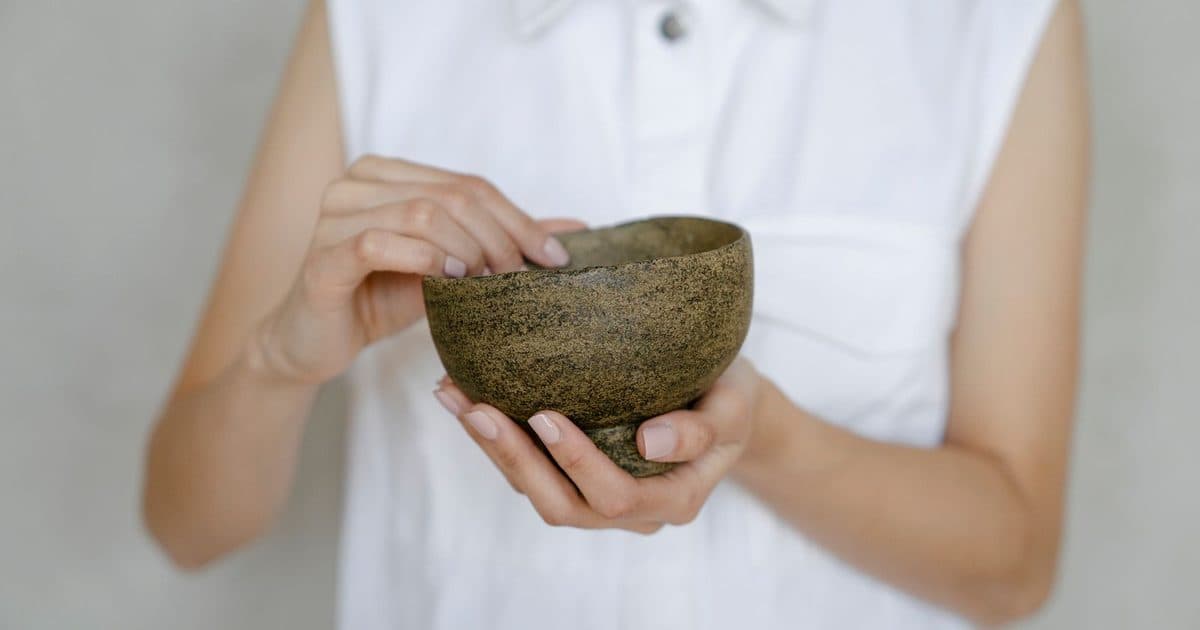
- Scale. The piece in a hand or next to a familiar object: alongside the written dimensions, it shows at once whether the bowl is for espresso or salad.
- In use. The earring worn, the mug with tea, the bag on a shoulder: one simple context.
- Back and signature. The stamped base, the inside seams, the clasp of the bracelet: the finishes people check by turning a piece over at a market.
- Packaging. Paper, box, handwritten note: it reassures people buying from afar or as a gift. For packaging, see how to ship handmade products.
The first photo is the cover: change the order by dragging the thumbnails on a computer or tapping Set as cover under a photo. One photo is enough to publish, but buyers can enlarge every image, and each extra photo is one question fewer in your messages.
Free sign-up. With a VAT number and Stripe connected, you upload your pieces when the photos are ready.
Open your free profile on HandsomeThe phone settings that really matter
For product photos with a smartphone you don't need pro mode: what matters is a clean lens, the grid, the right distance, locked focus and a steady phone.
- Clean the lens with a glasses cloth: a pocket-worn lens gives hazy photos.
- Turn on the grid to keep the table level and the piece centred: on iPhone it's in Settings, Camera, Grid; on most Android phones it's in the camera settings.
- Don't pinch to zoom: digital zoom adds grain. Move closer, or use the 2x or 3x button if your phone has a real telephoto lens, which distorts shapes less.
- Lock focus and exposure. Tap the piece and adjust brightness until the background is light but the piece isn't blown out; on iPhone, holding your finger down shows AE/AF Lock, as explained in Apple's guide to the camera tools.
- Keep the phone still with a tabletop tripod or a stack of books, and use a 3-second timer.
- Skip Portrait mode: artificial blur can eat the edges of a handle or a fine chain. For small pieces, use macro mode if you have it.
When you create a product on Handsome from your phone you get two buttons, Take photo and Gallery, and large photos are resized automatically before upload.
How to edit photos with free apps without betraying the piece
The editor on your phone or Snapseed, Google's free app, is all you need: straighten, crop, fix light and colour, and stop there.
- Straighten and crop, leaving some air around the piece.
- Raise the brightness until the white background is white, not grey.
- Correct the colour temperature, holding the real piece next to the screen.
- A little contrast, a little sharpening: if the correction shows, it's too much.
- Remove dust and lint from the background, never from the piece: a bubble in the glaze is part of what you will ship.
- Use the same adjustments for the whole session: Snapseed, free and without ads, can also edit several photos in one go.
Consistency: a shop that looks like one studio
A consistent shop uses the same background, light and framing for every cover, so anyone scrolling sees a collection, not photos from different days. Shoot in sessions: mark with masking tape where the piece and the phone go, and photograph five or six pieces in one morning, with the same six shots.
The free Handsome plan keeps 5 pieces published at a time, with unlimited drafts: you photograph your whole range and choose what goes in the shop, as explained in VAT number, Stripe and five pieces. A complete listing, with at least two photos, can also end up on Google, but it takes weeks: at the start the shop is found mostly by people who reach your profile or workshops, and by those who open the link you share in your bio, on WhatsApp or via a QR code. So covers must work small, on a phone: see the bio that sells.
The most common mistakes in photos of handmade products
Almost all of them are fixed before the shot. Use this list as a final check before publishing.
- Lamp light mixed with window light.
- A background full of things: tools, plants, a coffee cup.
- The piece cut off at the edges, or tiny in an empty frame.
- Blurry photos, or grainy ones from pinch zoom.
- Filters that change the colour of the piece.
- Text, logos or prices over the photo.
- Just one photo per product, with no detail and no scale.
- Covers that differ in background, light and framing.
Frequently asked questions
Frequently asked questions
- Do I need a new phone to photograph handmade products?
- No. Any smartphone from the last few years takes photos good enough for an online shop, as long as the light is good and the lens is clean. The difference is almost always the window, the background and a steady phone, not the model. A telephoto lens helps with small pieces, but it isn't essential.
- What is the best background for photos of handmade products?
- A light, even background, such as white or light grey card curved between wall and table, so the line where they meet disappears. Raw wood, linen or slate also work, as long as you use them for every piece. Avoid coloured backgrounds: they distort the true shade of the piece.
- How many photos can I upload for each product on Handsome?
- Up to 6 photos per product. The first is the cover shown in your shop, and you can change the order by dragging the thumbnails or with the **Set as cover** button. One photo is enough to publish, but six photos with different jobs answer buyers' questions before they ask them.
- Can I use AI to improve my product photos?
- Free apps are enough to fix light, colour and framing. Generating or reshaping the piece with AI isn't an option: Handsome asks for real photos taken by you, and an image that doesn't match the object you ship invites returns and disputes. Automatic background removal also often damages the edges.
- Can people find my Handsome product photos on Google?
- They can, if the listing is complete: a specific title of at least 15 characters, a description of at least 300, at least two photos and a price (the English page also needs the English text). Your dashboard shows what is missing. Google takes weeks, though, and nobody can guarantee visits: at the start the shop is seen mostly by people who reach your profile and by those who open the link you share.
Your photos don't have to be perfect: they have to be real and clear. Shoot one piece with all six shots, check it on your phone as a buyer would, and by the third piece it becomes a habit.
Verified VAT number, Stripe connected and Selling Terms accepted: then you publish your pieces, up to 6 photos each, with no Handsome commission.
Build your free shop on Handsome