When a customer searches "pottery workshop Florence" or "woodworking course Milan", the first thing they see is not websites: it's the map block with 3 local cards. Those come from Google Business Profile (formerly My Business). Without a card, you're missing from the moment of decision. This guide takes you from zero to optimised in 7 concrete steps.
Step 1 — Create or claim your profile
Go to business.google.com and search your workshop name. If a card already exists (Google auto-creates them from public data), click "Claim this business". Verification is by postcard mailed to your address (5-14 days) or phone in some cases.
Step 2 — Primary and secondary categories
Primary category is the biggest local ranking factor. Choose the most specific one for your craft: "Pottery studio", "Glass blowing studio", "Leather workshop" beat generic "Gift shop". Add 2-4 secondary categories.
Step 3 — Photos: at least 8, updated regularly
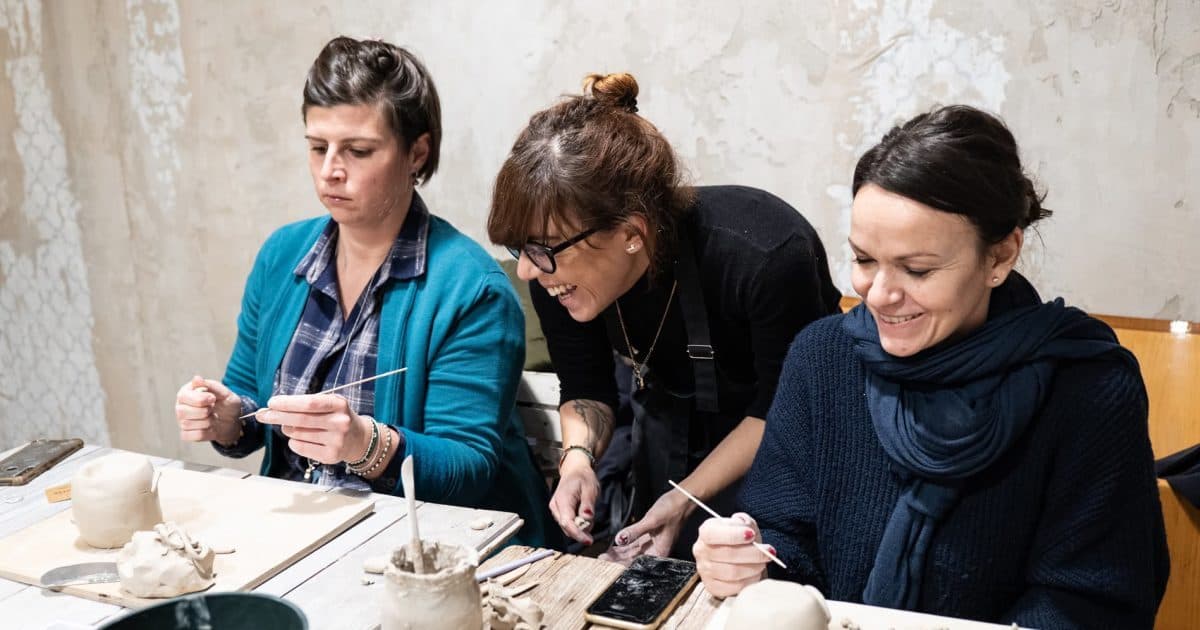
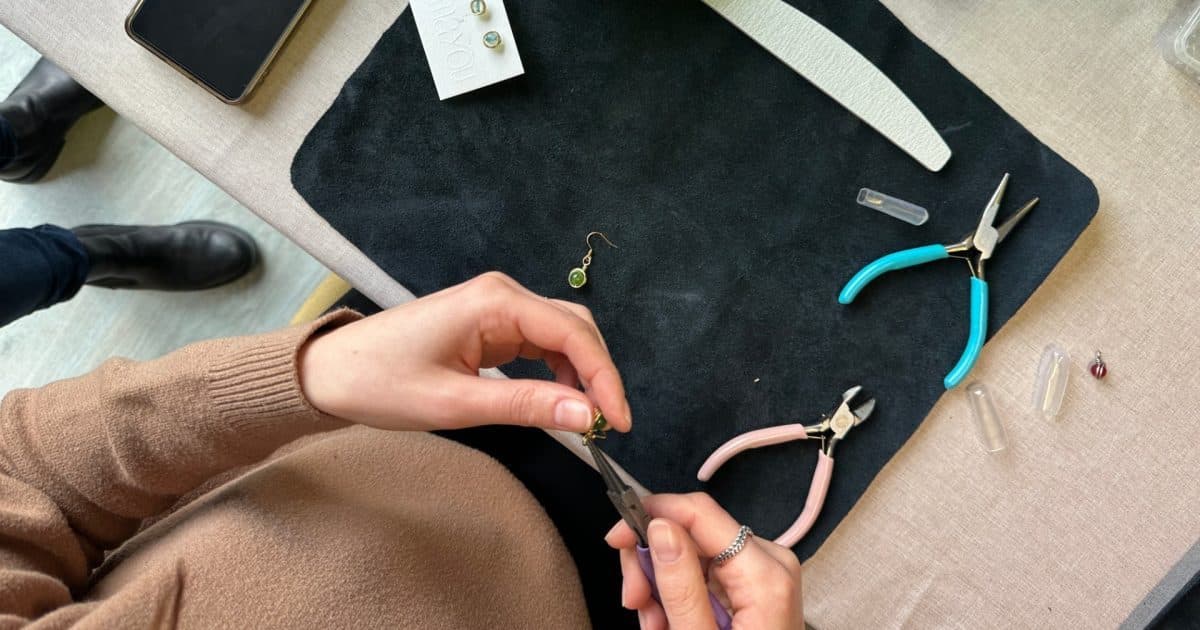
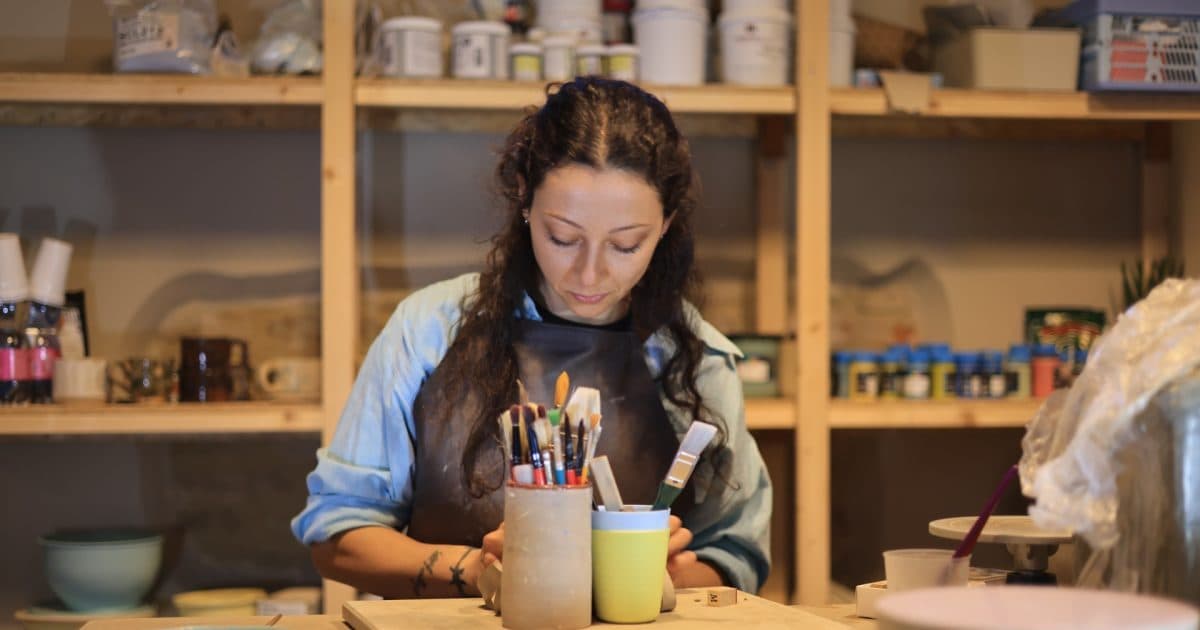
Google prefers profiles with recent photos. Upload at least 8 at launch: 1 logo, 1 exterior, 3 interior, 2 of you working, 1 of an actual workshop with participants. Add at least 1 photo per month.
Step 4 — 750-char description with natural keywords
750 characters to describe what you do. Include: craft type, city, service type (workshops, custom orders, retail), one USP. Keep it concrete and specific.
Step 5 — Weekly posts (yes, weekly)
Business Profile has a "Posts" section like social media. Posting 1/week tells Google "this business is alive". Use: next available workshop, a piece in progress, a small guide. Each post has configurable CTAs (Book, Call, Visit website).
Step 6 — Reviews: ask, respond, always
Reviews are the second strongest local ranking factor. After each workshop, ask the attendee to leave one. Send them the direct link (from Business Profile → "Get more reviews"). Reply to all reviews within 48h, including negative: Google rewards activity.
Step 7 — Q&A and booking link
Business Profile has a Q&A section where anyone can ask publicly. Pre-empt typical FAQs by posting them yourself, then answering as admin. Finally add a Booking button linking to your Handsome page or website.
Common ranking-killing mistakes
- Inconsistent NAP (name, address, phone) across Business Profile, website, social.
- Generic primary category ("Shop") instead of specific ("Pottery studio").
- Only product photos, no working-people photos.
- Zero reviews: even 3-5 genuine ones convert visitors.
- Inactive for months: Google demotes dormant profiles.
Make it real with Handsome
Google Business Profile drives local traffic for free. But once the customer lands, they need to book in 30 seconds. Handsome gives you the public workshop page with calendar, deposit, verified reviews. Link your Google profile to Handsome and close the loop: Google search → Handsome → booking. Free registration.
Frequently asked questions
- Can I manage Business Profile from my phone?
- Yes. The Google Maps app integrates Business Profile features once verified. For advanced editing and analytics, use business.google.com on desktop.
- How long until I see results?
- A new profile appears in local search 1-3 weeks after verification. Ranking improves gradually with regular posts and reviews: 3-6 months to reach local top 3, depending on city competition.